LunchEAZE
User Manual
1. Pack Your Meal
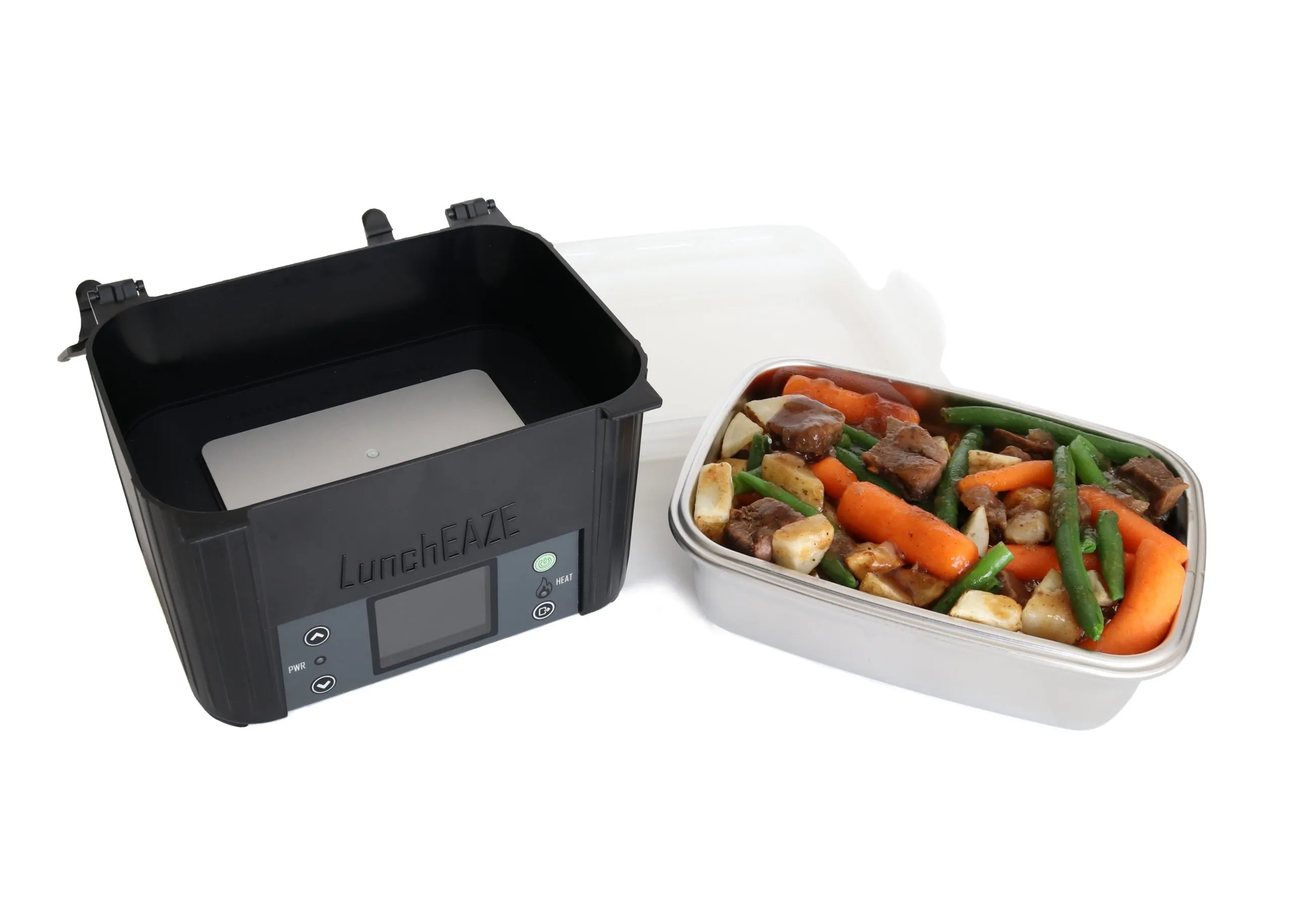
- Pack your meal. LunchEAZE handles any type of food even frozen foods and soup!

2. Insert your removable meal container into the LunchEAZE Base.

3. Close the meal container lid and latch the top lid and press down until it clicks.
2. Adjust Your Clock and Meal Time

4. When you first turn on your LunchEAZE, it will prompt you to adjust your clock. Toggle between the UP and DOWN buttons, press ENTER when finished, then UP again to confirm.

5. After you set your clock, the main menu will appear. Select the first option to set your meal time.

6. Set the time you want to eat. LunchEAZE will begin heating automatically 2 hours prior to this set time. You only have to set your mealtime once, LunchEAZE will remember your settings every day. Remember to turn LunchEAZE on in the morning so it can remember to start automatic heating.
3. Adjust Your Max Temperature and Enjoy!

7. Once you are back at the main menu, select the “Max Heat Setting” option to set your desired max temperature.

8. Toggle between the UP and DOWN buttons to set your desired max temperature of your hot plate. Please note that the exact temperature of your food may vary.

9. Select the “Heat Now” option from the main menu if you would like to begin the heating process immediately. This option does not change the defaulted 2.5 hours of heating.
https://www.youtube.com/watch?v=mNzmsdDshQQ